
Laptops
Which laptop personality are you?
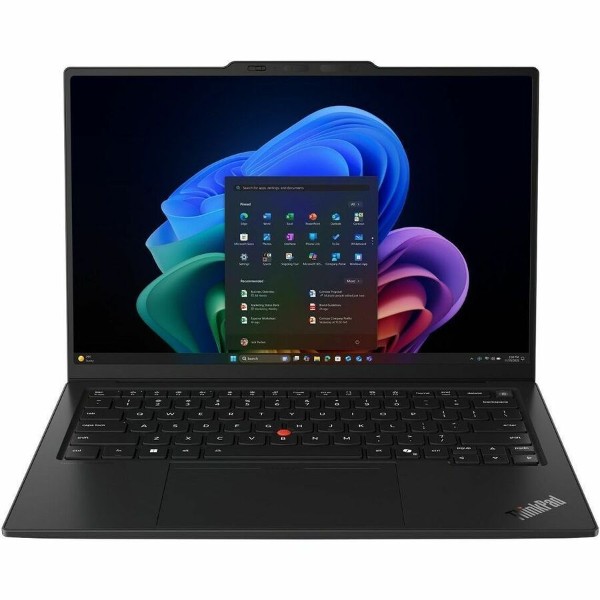
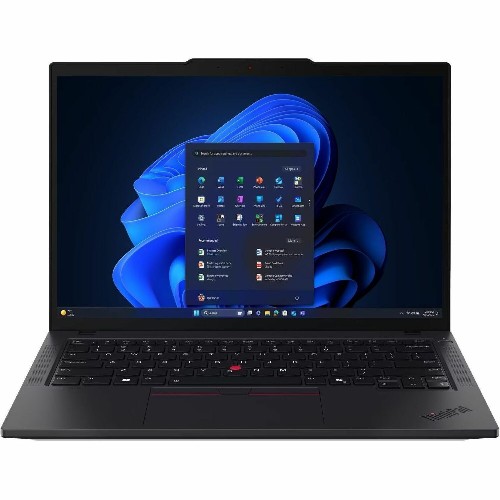
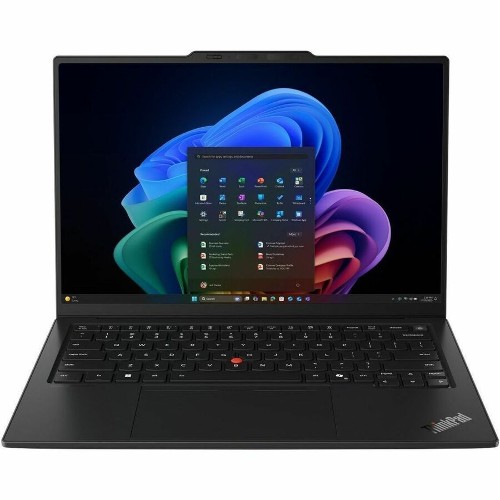
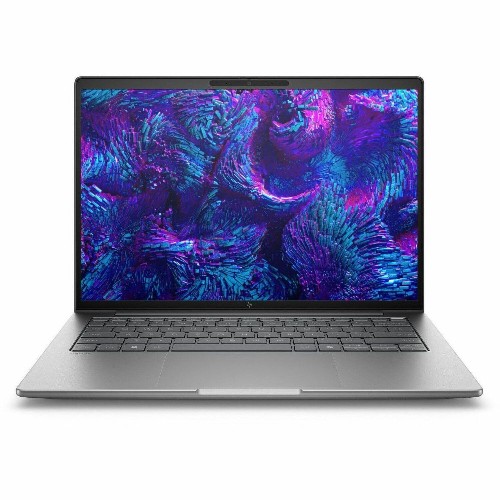
Forget the spec sheet for a second. What you do all day decides what you need. Find yourself below, and you've found your laptop. All three are business models (think ThinkPad, Latitude, EliteBook): tougher, better supported and running Windows 11 Pro.
Spec sheet, translated
jargon in, English out ↘
Intel Core Ultra 5 225U
Plenty for office work. The “5” is the bit that matters; “7” is for heavy lifting.
16 GB LPDDR5x RAM
How many things it can juggle at once. Usually can't be upgraded later, so don't skimp.
512 GB NVMe SSD
Room for apps and files. Your documents live in OneDrive anyway, so this is plenty.
Windows 11 Pro
The business edition. If it says “Home”, keep walking.
Copilot+ PC with NPU
A chip for AI features in Windows. A nice bonus, not a must-have (yet).
3-year onsite warranty
A technician comes to you. Worth every cent the day something breaks.
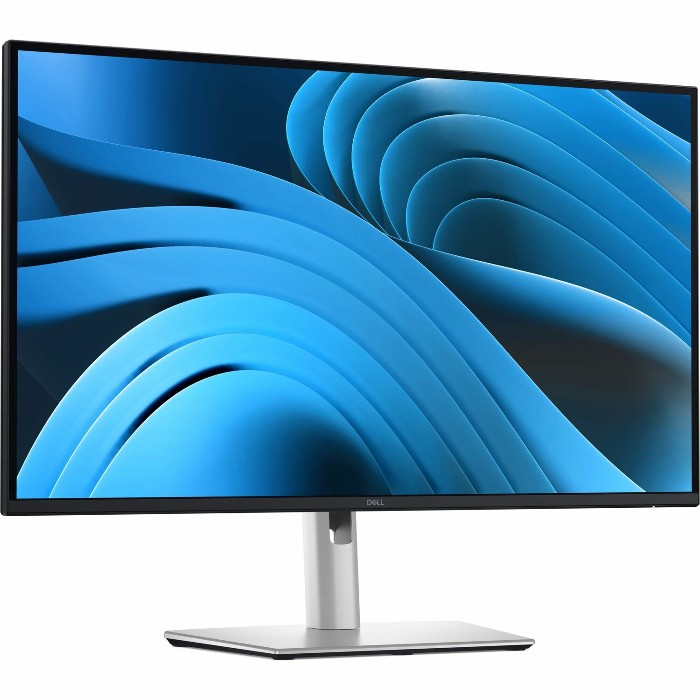
Monitors
The screen you'll stare at more than anything you own.
You probably spend as much time in front of your monitor as you do asleep. It has a huge effect on how well you work, and a good one outlasts the computer it's plugged into. So it's worth getting right.
If you jump between apps all day (and almost everyone does), seeing them side by side beats flicking between windows. That's why two screens are now the norm.
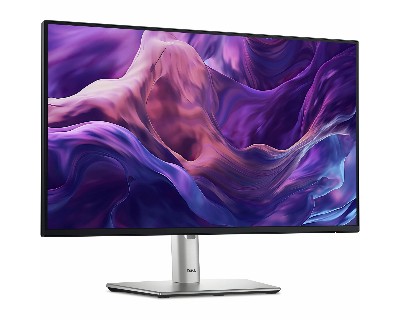
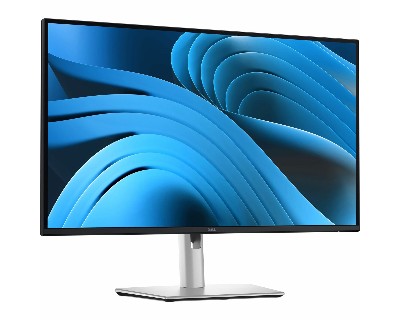
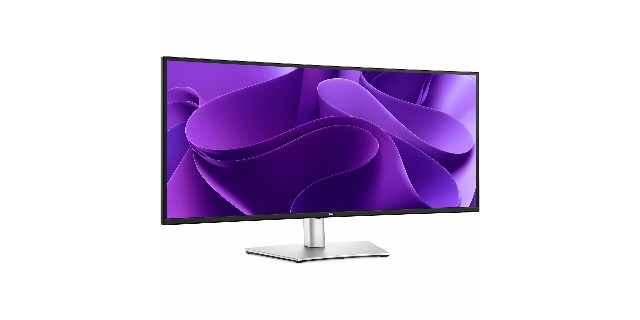
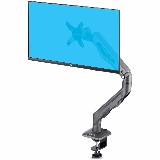
Get a stand that moves
Height adjustment puts the top of the screen at eye level. Your neck will send a thank-you card.
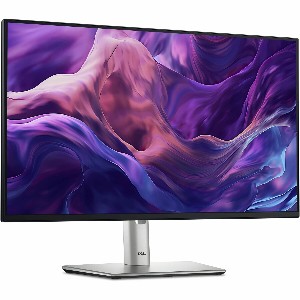
Go sharper at 27"
Full HD is fine at 24". At 27" and up, choose QHD (2560 × 1440) so text stays crisp.
Look for USB-C
A USB-C monitor can charge your laptop and show the picture through one single cable.
Easy on the eyes
Flicker-free and low blue light screens are kinder over a long day.
The desk, assembled
The setup we build for most office staff.
Plug in one cable in the morning and everything just works. Here's the recipe.
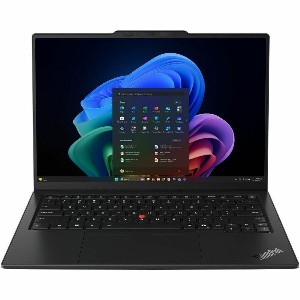
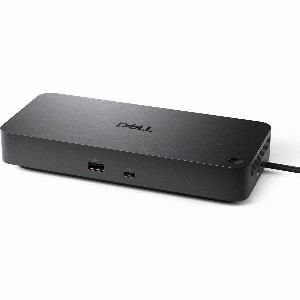
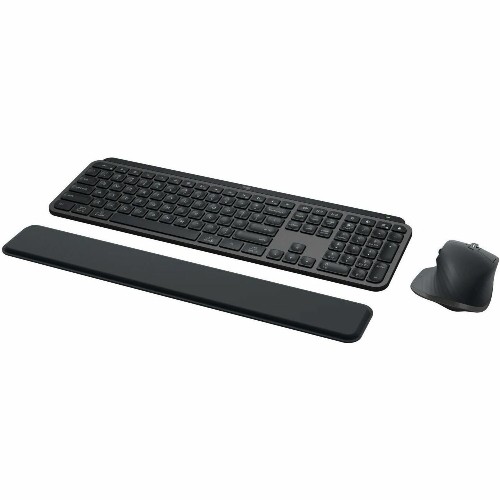
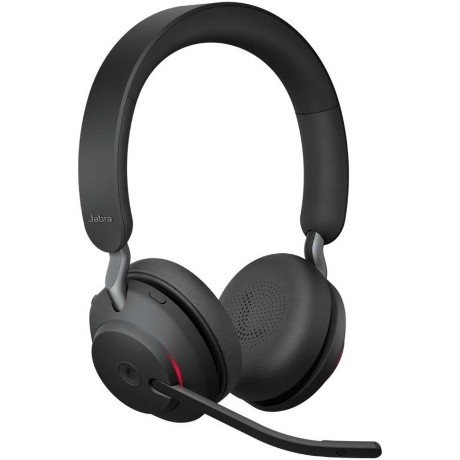
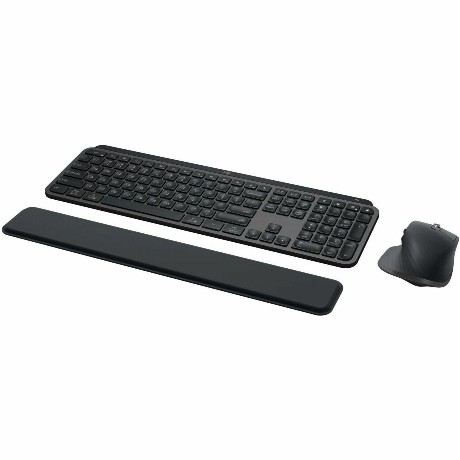
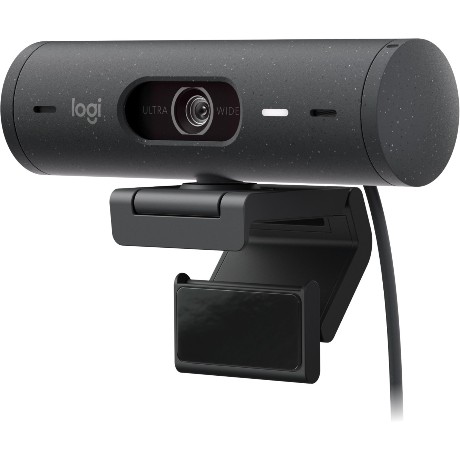
Desk gear
The small stuff you use all day.
None of it costs much, but together it decides whether a desk feels great or slightly annoying all day long.
Myth busters
Things we hear every week.
(said with love)
Myth
“I'll just add more memory later.”
Truth
On most modern laptops the memory is built into the board. What you buy is what you've got for life.
Myth
“Home laptops are the same thing, just cheaper.”
Truth
Thinner warranties, Windows Home, trial-software clutter and shorter lives. Cheap to buy, pricey to own.
Myth
“A gaming laptop is better value. Look at those specs!”
Truth
Heavy, loud and the battery's gone by lunch. Built for games, not Teams.
Myth
“Any USB-C cable or dock will do.”
Truth
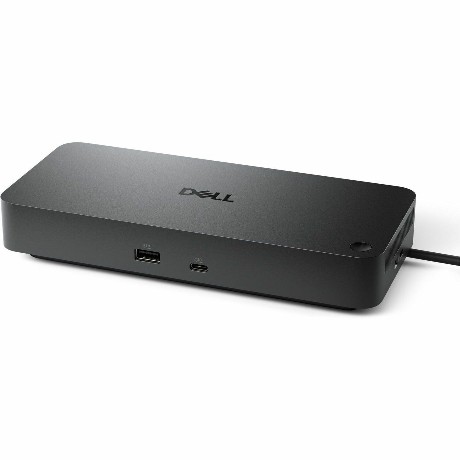
USB-C is a plug shape, not a promise. What a cable or dock can actually do varies a lot.
Myth
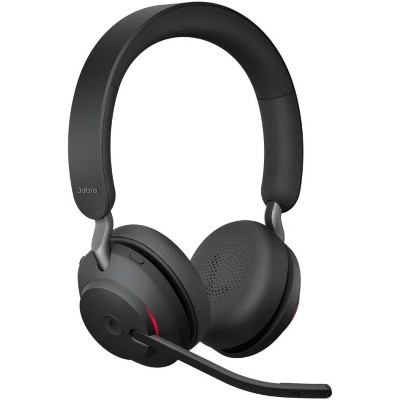
“Bluetooth headphones are fine for Teams.”
Truth
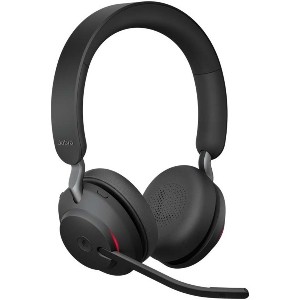
Fine for music. For calls, a certified headset with a proper mic is clearer, more reliable and far less awkward.
Myth
“A bigger monitor means blurrier text.”
Truth
Only if the resolution doesn't keep up. At 27" and above, choose QHD and it stays crisp.
Desk setup
Set it up right.
Feel better by Friday.
Great gear only helps if it's set up well. Four quick checks for any desk, at the office or at home.
Top of screen at eye level
Look straight ahead, not down. With two screens, put the one you use most right in front of you.
About an arm's length away
Sit back and reach out. Your fingertips should just about touch the screen.
Laptop only? Raise it
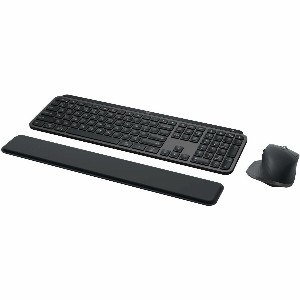
Working on the laptop screen for hours? Pop it on a stand and add a keyboard and mouse.
Move regularly
Even the fanciest chair can't fix sitting still all day. Get up, stretch, look away from the screen.
 ahh, much better
Before you buy
The 30-second pre-checkout check.
Five questions that save you buying twice. Not sure about one? That's literally what we're here for.
tick, tick, tick, tick, tick ✓
1. Who's using it, and for what? Email and Teams needs far less than design work or monster spreadsheets.
2. Where will they work? Desk, home or on the road changes the size, weight and accessories you need.
3. Will it play nicely with what you've got? Check your existing docks, screens, chargers and cables.
4. How long do you want to keep it? A little more up front often buys you an extra year or two.
5. Is the warranty right? For laptops, onsite repair is worth it. For everything else, check how long it's covered.